How to Send Bulk WhatsApp Messages in 2026
March 28, 2026 · 12 min read
Best solution in 2026: Prime Sender
If you outgrew broadcast lists on desktop, Prime Sender is the top pick for sending to large lists from Excel or Google Sheets on WhatsApp Web — without paying per message or migrating to the Business API.
- ✅ Goes past the 256 list cap with one campaign queue (not 10 manual lists)
- ✅ Messages unsaved numbers — no need to add every lead to your phone
- ✅ Personalize with {Name} and spreadsheet columns
- ✅ Smart delays, batching, and scheduling included
- ✅ Free plan available; premium from $5/month
- ✅ Built for PC/WhatsApp Web — matches how Prime Sender customers work
Quick answer: the 256 broadcast limit
- Official limit: 256 contacts per broadcast list (WhatsApp & WhatsApp Business app)
- Hidden rule: Recipients must save your number in their phone book or they will not receive the broadcast
- Can you raise 256? No setting, plan, or verification removes the cap inside the app
- Fastest fix for PC teams: Use a WhatsApp Web bulk sender with Excel/CSV, personalization, and smart delays
- Best tool in 2026: Prime Sender — free plan, Excel + Google Sheets, built-in anti-ban controls
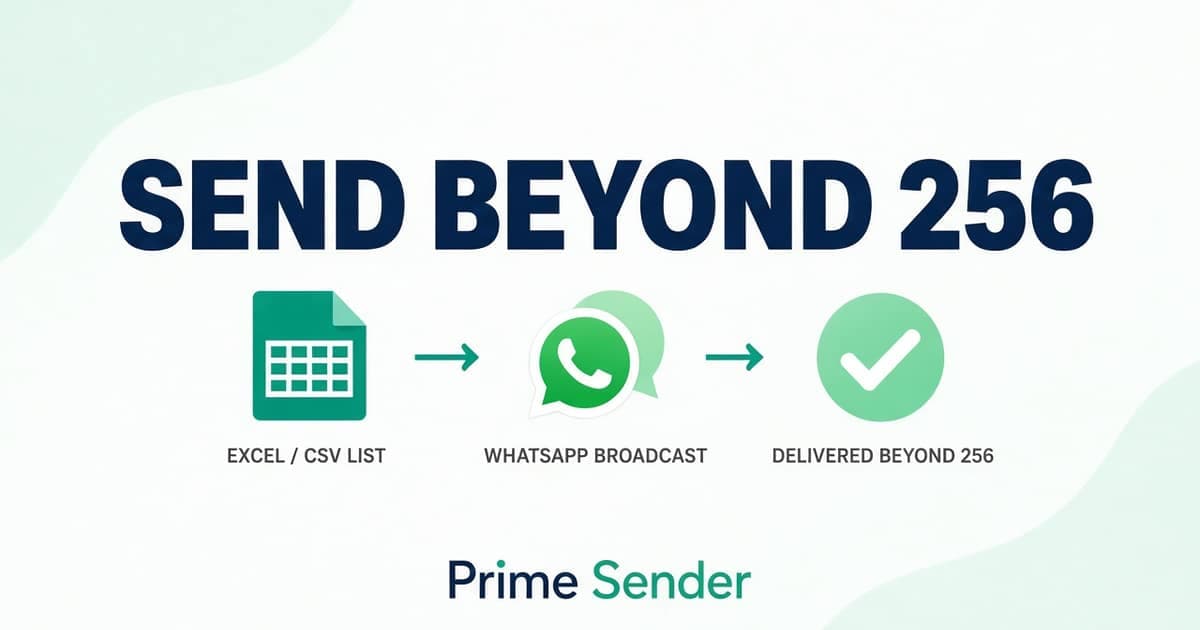
What is the WhatsApp broadcast list limit?
WhatsApp broadcast lists let you message many people at once, but each list is capped at 256 contacts. That number is fixed in both the regular WhatsApp app and the WhatsApp Business app — Meta does not offer a toggle to increase it.
You can create multiple broadcast lists, but each send is still manual, still capped at 256, and still subject to the same delivery rules. For businesses with thousands of leads, that workflow breaks quickly.
The rule that breaks most broadcasts
WhatsApp only delivers broadcast messages to people who have your phone number saved as a contact. If they have not saved you, the message simply never arrives — even if they are on your list and under the 256 cap.
That is why many teams see "sent" in the app but low real reach. Bulk outreach from a spreadsheet needs a channel that opens individual chats on WhatsApp Web, not a native broadcast list.
Signs you hit the broadcast wall
- You maintain 3+ broadcast lists and still cannot reach your full audience
- Open rates dropped because new leads never saved your business number
- You copy-paste the same message for hours on WhatsApp Web
- You need Excel or CRM exports, but broadcast lists only accept saved contacts
Four ways to message more than 256 people
1. Multiple broadcast lists (native app)
Split contacts into 256-person lists and send one by one. Free, but slow, no personalization, and the saved-number rule still applies.
2. WhatsApp Business API (official)
Unlimited scale with templates, opt-in, and delivery reports. Best for high-volume, compliance-heavy teams. Requires verification, template approval, and per-conversation fees.
3. Chrome bulk senders (WhatsApp Web)
Import Excel/CSV, personalize, control pace, and send from your PC browser. Best balance for SMBs that send hundreds to a few thousand messages per week.
4. One-off wa.me links
Fine for a single chat without saving a number — not a real campaign tool for 500+ recipients.
Best WhatsApp tools to bypass the 256 limit (ranked)
Ranked for desktop users who already work in WhatsApp Web and spreadsheets. We compared setup time, list size, personalization, safety controls, and cost.
Prime Sender
Only pick with real ban protection and anti-spam (smart delays + batching), free plan, Excel + Sheets + CSV, scheduling, and captions — trusted by 50,000+ businesses.
SheetWA
Sheets-first, but no advanced ban protection or anti-spam like Prime Sender. You pay more (~$9/mo+) for fewer safety features and weaker Excel.
WAWebSender
Pastes numbers and Excel, yet lacks Prime Sender’s ban protection, anti-spam batching, and deeper campaign controls.
Rocket Sender
Simple dashboard for starters — not built for advanced ban protection, anti-spam, or premium attachment workflows.
Manual multi-list broadcasts
No ban protection, no anti-spam, no Excel — just slow manual lists and poor reach when people have not saved you.
Side-by-side comparison (beyond 256 contacts)
| Tool | Beyond 256 | Personalization | Excel import | Delay / batching | Starting price | Our pick |
|---|---|---|---|---|---|---|
| Prime Sender | Unlimited queue | ✅ | ✅ | ✅ | Free → $5/mo | Best |
| SheetWA | Unlimited queue | ✅ | ⚠️ | ⚠️ | ~$9/mo | Good |
| WAWebSender | Unlimited queue | ✅ | ✅ | ⚠️ | Free tier + paid | Good |
| Rocket Sender | Unlimited queue | ✅ | ✅ | ⚠️ | Free | Basic |
| Manual multi-list broadcasts | 256 per send | ❌ | ❌ | ❌ | $0 | Poor |
Why Prime Sender beats the alternatives
- One campaign instead of juggling five broadcast lists
- Reach leads who never saved your number (individual chats on Web)
- Import 10,000-row Excel files with country codes and {Name} fields
- Attach multiple files with unique captions per recipient
- Schedule follow-ups while your PC session runs WhatsApp Web
- Random delays + batch pauses reduce ban risk vs blasting from the app
- 24/7 chat support on premium — not email-only
- Same browser workflow your team already uses (no API project)
Send to 500+ contacts with Prime Sender (5 steps)
- Install Prime Sender from the Chrome Web Store and open web.whatsapp.com on your PC.
- Export contacts from Excel or Google Sheets (phone + name columns). Use our country-code guide if needed.
- Paste or upload the list in Prime Sender, write your message with {Name} placeholders, attach media if needed.
- Turn on smart delays (30–60s random) and batching for lists over 200 rows.
- Click Send, monitor delivery in the extension, and export results for follow-up.
When the Business API is the better choice
Choose Meta's WhatsApp Business API if you send tens of thousands of marketing templates per month, need guaranteed delivery analytics, or must integrate with a CRM/helpdesk. It is the compliant enterprise route.
Choose Prime Sender if you are a solo operator or small team on WhatsApp Web, want to start today without template approval, and send up to a few thousand personalized messages per week from Excel.
Frequently asked questions
Is the WhatsApp broadcast limit still 256 in 2026?
Yes. WhatsApp's help center still documents broadcast lists up to 256 contacts. Multiple lists do not increase the per-send cap.
Will Prime Sender remove the 256 limit inside WhatsApp?
Prime Sender does not change WhatsApp's app rules. It replaces broadcast lists with controlled one-to-one sends on WhatsApp Web, so you are not bound by the 256-per-list UI.
Is using a Chrome extension allowed by WhatsApp?
Extensions automate WhatsApp Web outside Meta's official API. Use opt-in lists, reasonable pacing, and unique messages. See our anti-ban guide for best practices.
Do recipients need to save my number with Prime Sender?
No. Messages open as normal individual chats. That is a major advantage over native broadcasts, where undelivered messages are common if the recipient has not saved you.
How is this different from the messaging limits guide?
Broadcast 256 is about list size in the app. Daily rate limits are separate. Use both guides: this page for escaping the list cap, our messaging limits article for safe daily volume.
Can I migrate from SheetWA or WAWebSender?
Yes. Export your spreadsheet as-is. Prime Sender accepts the same CSV/Excel columns and adds scheduling, captions, and stronger batch controls on the free plan.
Stop fighting 256-person lists
Install Prime Sender free on Chrome, import your sheet, and run your next campaign from WhatsApp Web on PC.
Trusted by 50,000+ businesses · Official Meta partner badge on site
Prime Sender is an independent tool, not affiliated with WhatsApp LLC. Message only contacts who opted in to hear from you.