How to add a country code to every number in Excel
March 28, 2026 · 12 min read
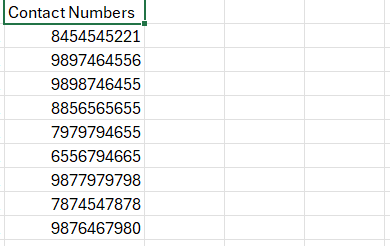
Almost everyone runs into this: you need a country code in front of every phone number. Say your code is +91 and you want it on all contacts. The simplest way in Excel or Google Sheets is CONCATENATE.
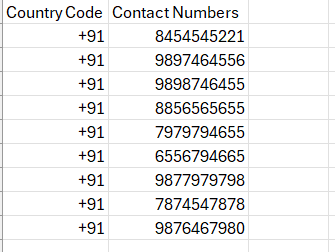
First, create another column and put +91 (or your country code) in each cell. Type +91 in the first cell, then drag down to the last row.
Next, use CONCATENATE to join the country code with each number:=CONCATENATE(A1, B1)
Here A1 is the country-code cell and B1 is the phone number. Drag the formula down the column and every contact gets the right prefix.
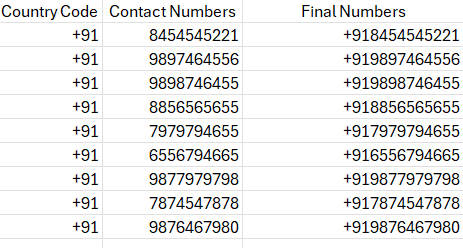
That’s the fastest way to add a country code to every contact in Excel or Sheets.